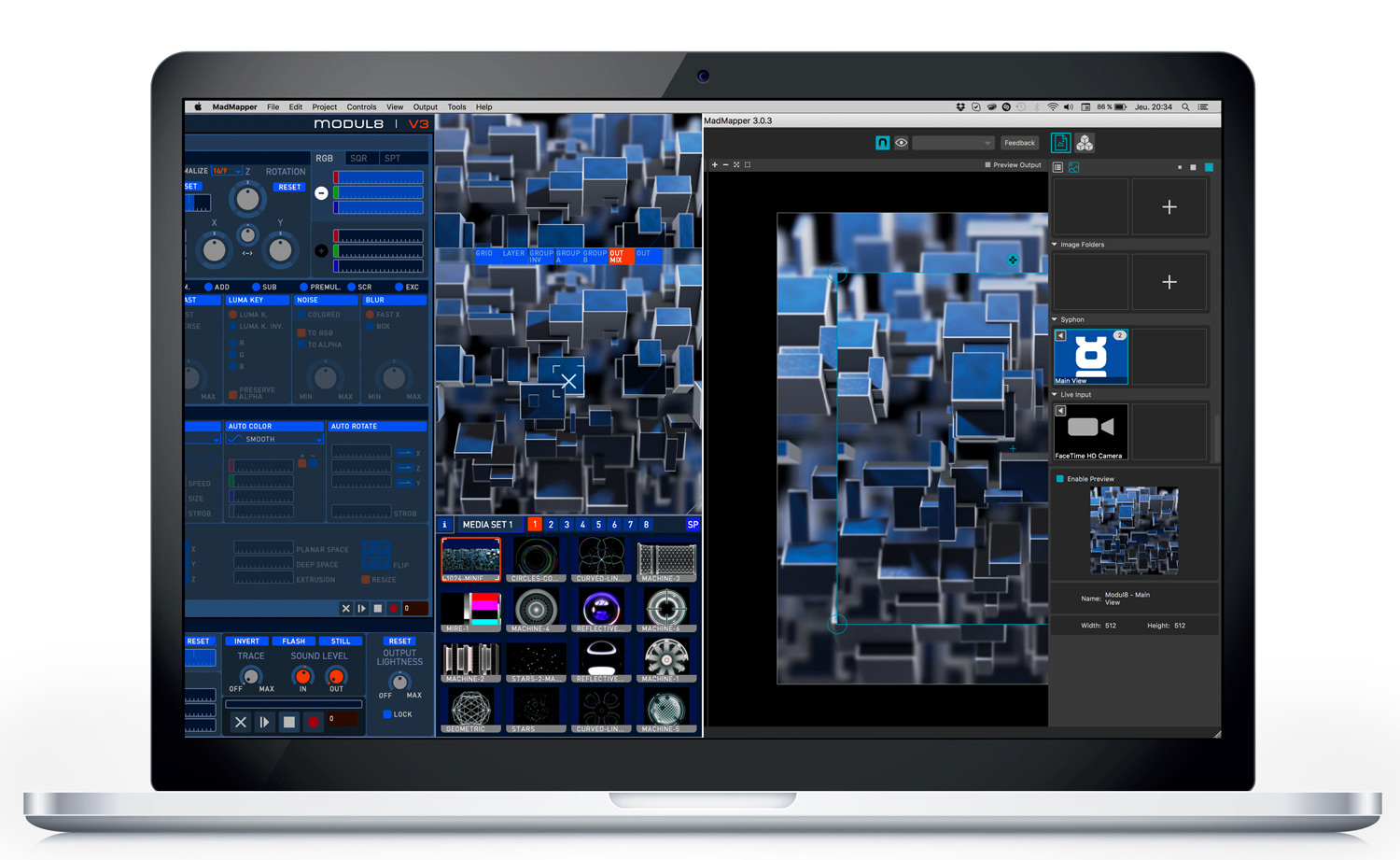
Welcome to Modul8!
Modul8 is a revolutionary MacOS X application designed for real time video mixing and compositing. It has been designed for VJs and live performers.
With software designed from A to Z for performance and real time video manipulation, Modul8 has been adopted by hundreds of users looking for a tool that is extremely responsive, flexible and easy-to-use. Used in domains as diverse as veejaying, contemporary art, live performances and video production, this software has over the years proved its worthiness in hundreds of projects around the world by an incredibly active user community.
A user interface for real time
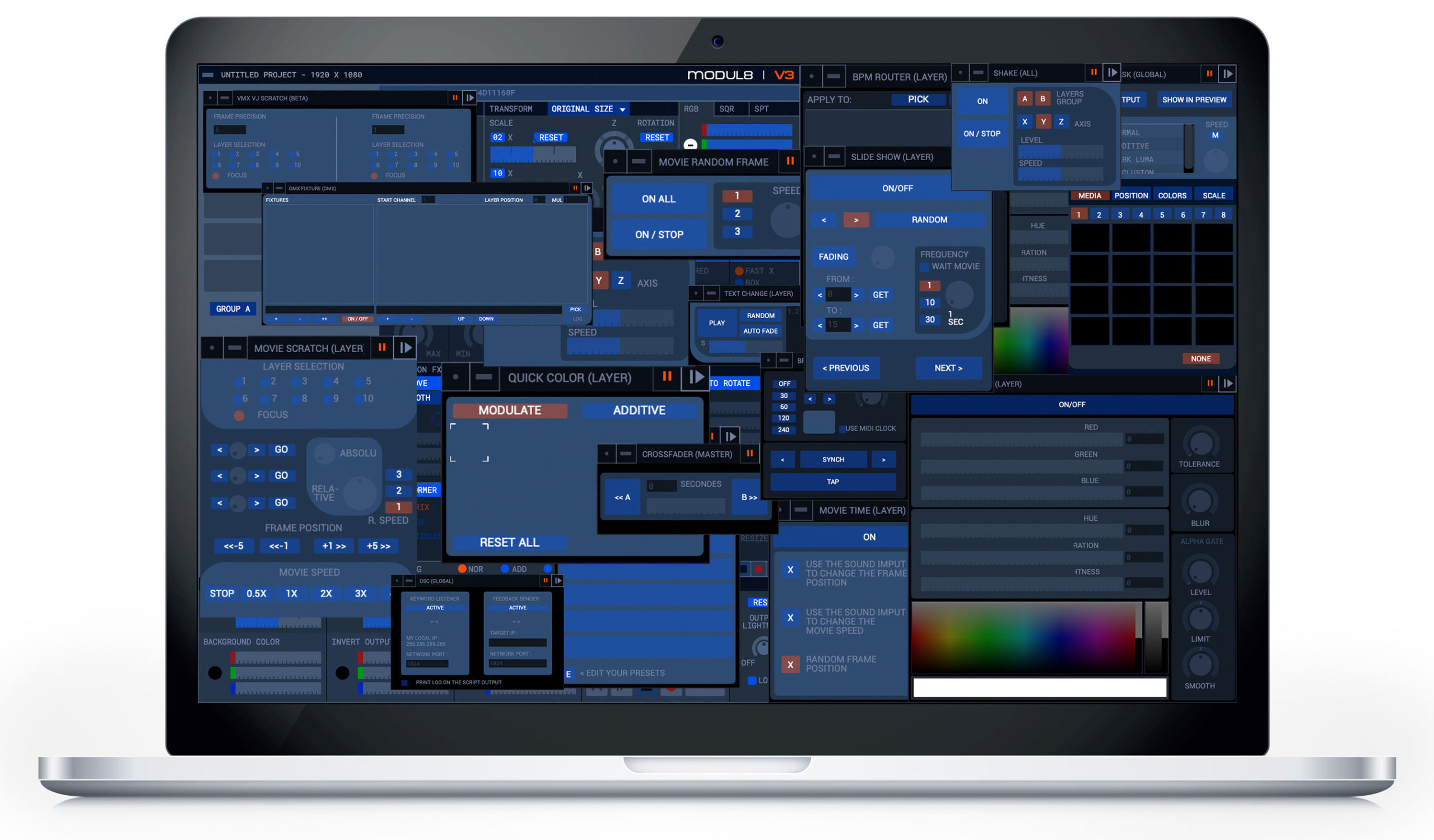
Above all, Modul8 is a user interface designed in every detail for real time, combined with a flexibility of use that will satisfy novices discovering the software as well as advanced users. Based on the layer metaphor found in graphics editing software, Modul8 allows intuitive creation of video compositions. Each change can be immediately seen in the composition, making this tool the ideal software for improvisational creations, interactive installation or live performances.
You’re behind the controls with Modul8!
Unlike other VJ software, you are in control of the Modul8 and not vice-versa. Its flexibility in combining effects and filters lets you develop your own style with your own compositions. And when we talk about compositions, we mean real spatial and temporal compositions.
Each video layer can be moved, resized and rotated as with any graphics editor – completely in real time. Every effect and animation can be combined. Instead of being constrained by scores of predefined effects, you are behind the controls of a genuine creative tool.
Software that pushes your hardware to the limit
To attain this level of performance, Modul8 leverages your hardware to the maximum, whether it’s a G4 PowerBook or a MacPro QuadCore. Optimized for PowerPC and Intel processors, Modul8 is able, thanks to its multi-threaded architecture, to fully leverage two or four processors as easily as it works on a simple G4.
To attain flawless quality and outstanding performance, Modul8 will also push your video card to the limit by using the GPU and shaders for the final compositing of your scene.
Impeccable output quality
Modul8 can work with extremely high resolutions. In fact, Modul8 works in a 3D vector space that allows it to adapt to any resolution supported by your video card. Media are also rendered at high resolution, which allows you to work in HD or even higher resolutions if supported by the computer. To obtain a quality image down to the last detail, filters are applied to media to prevent pixilation. Similarly, at the temporal level, Modul8 works at the output frequency of your monitor or projector, which means unequaled flow up to 100 images per second.
Working with multimedia
Modul8 recognizes most Quicktime codecs as well as any graphical format you can imagine. You can add your media with a simple drag and drop into the application and you’re ready to begin mixing. Modul8 is able to work directly in the color format of the files you import, which allows you to automatically integrate per-pixel transparency when supported by the format. Module8 also supports dynamic media such as video capture and creation of text and graphics thanks to a drawing module.
Access to hundreds of filters and effects
Modul8 not only integrates all standard video filters such as contrast, colour and luminance, blur and others, but it also offers the possibility of advanced 3D transformations such as motifs, deformable grids –a veritable particle engine together with movement effects. The software also recognizes Core Image and Free Frames filters, allowing you access to hundreds of plug-in filters.
Did you say, multi-projection?
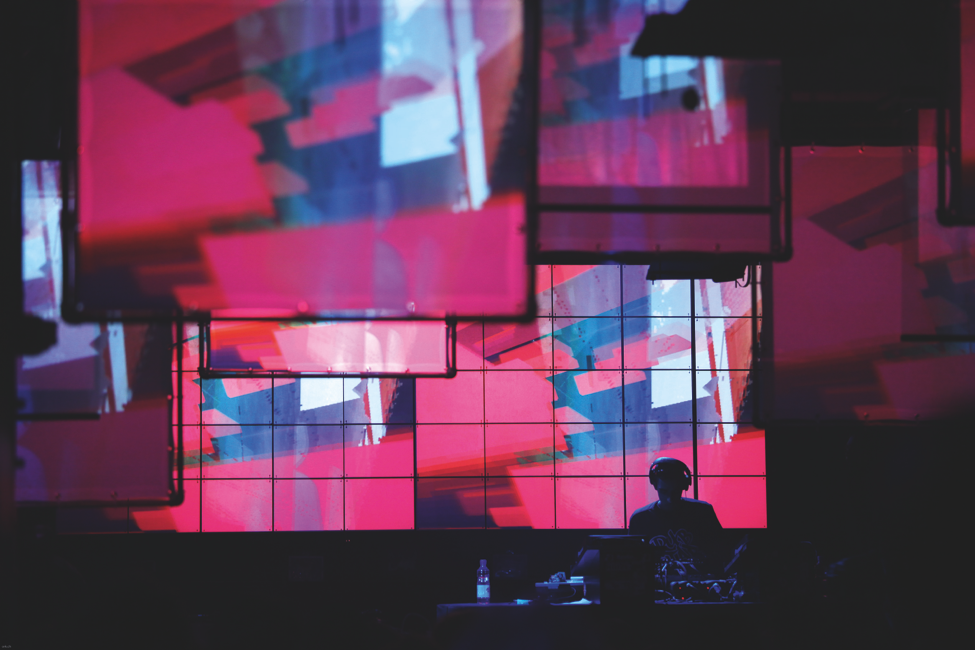
Put up to four video cards in a MacPro or a PowerMac PCI-Express and you’ll transform Modul8 into a genuine multi-projection system with 7 outputs plus one for the user interface. When we say multiprojection, we’re not talking about linear repetitions of the same composition. With Modul8, you determine exactly what region of the composition is sent to what output. The regions are actual cutouts that can have the size or position you choose. They can even be partially spread or complemented to reach spaces with projections that are unequaled today. Filling complex space, creating walls of screens, or spreading over façades has become routine with Modul8.
Record and export your creations
Thanks to its computer-based recording system, you can record hours of compositions without having to dedicate a lot of time and disk space. You simply select a sequence from your logical recording and you do the rendering to the size and the number of images per second that you want. In other words, you can do a live scene in 800x600, record it, and render it later in far higher quality. Modul8 will automatically reconstruct the scene at the new desired resolution.
Control Modul8 the way you want
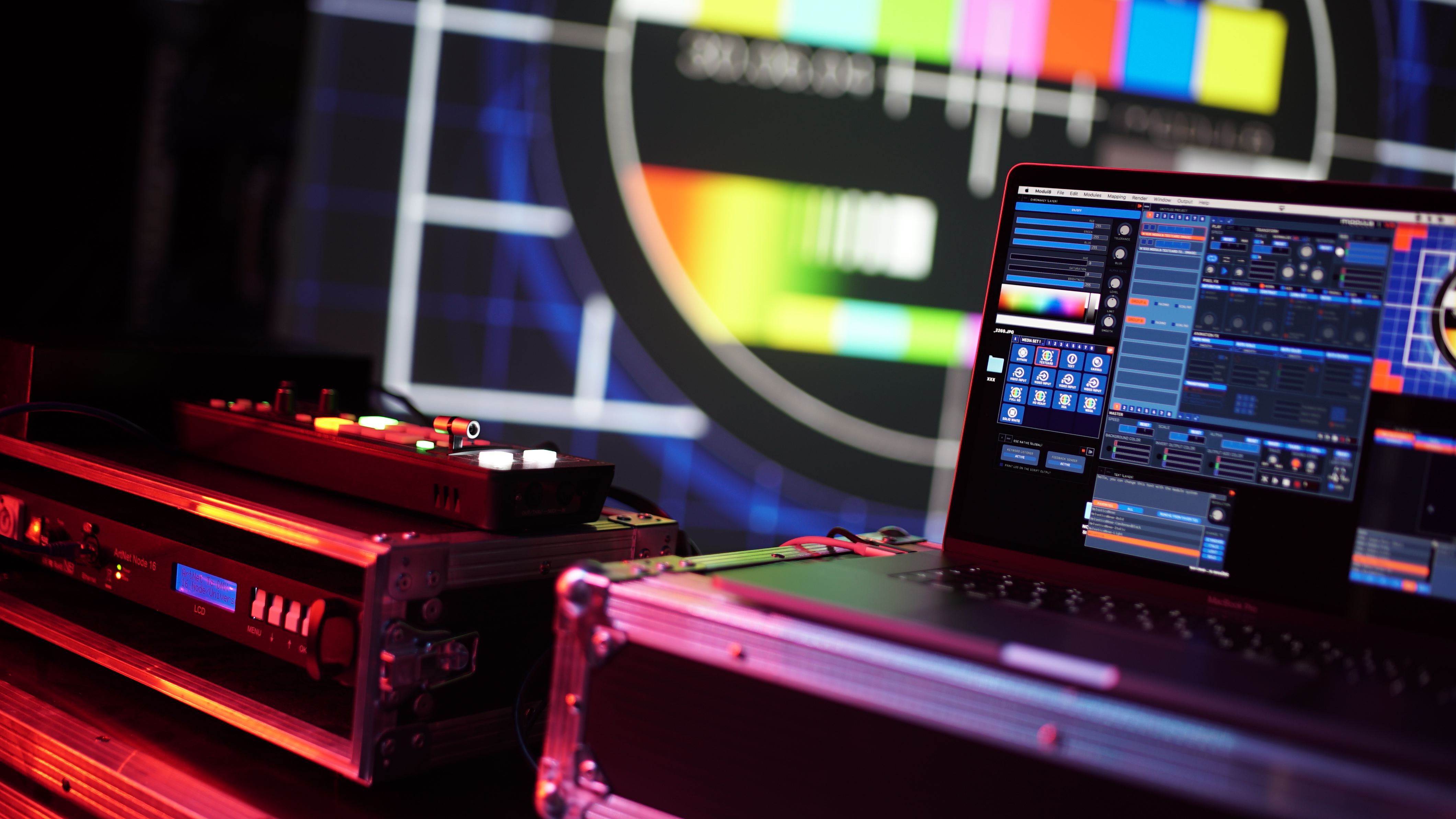
Modul8 can be controlled in all kinds of ways. The simplest is by using the mouse and the keyboard. For more advanced use, each function can be associated with a MIDI message that allows you to control Modul8 via MIDI message tables or MIDI captors. Create your MIDI configuration in less than a moment: Connect your table, select a control on the interface, send your MIDI message and Modul8 automatically establishes the link for you. Do you work with sound input? You can add audio intensity to any movement effect. Do you want to control effects using BPM? Open the BPM module and connect the BPM function you want. And all these modes can be combined, too!
Infinitely extensible
An integrated system of modules allows you to create and import new functionality into Modul8. Create your own user interfaces; write Python scripts for your own effects and behaviors directly from the application without having to stop the composition in progress. An on-line library that is directly accessible from Modul8 allows you to access dozens of modules created by the user community. GarageCube has also developed dozens of modules that are either distributed with the software or available for free on-line.